

See the whole day
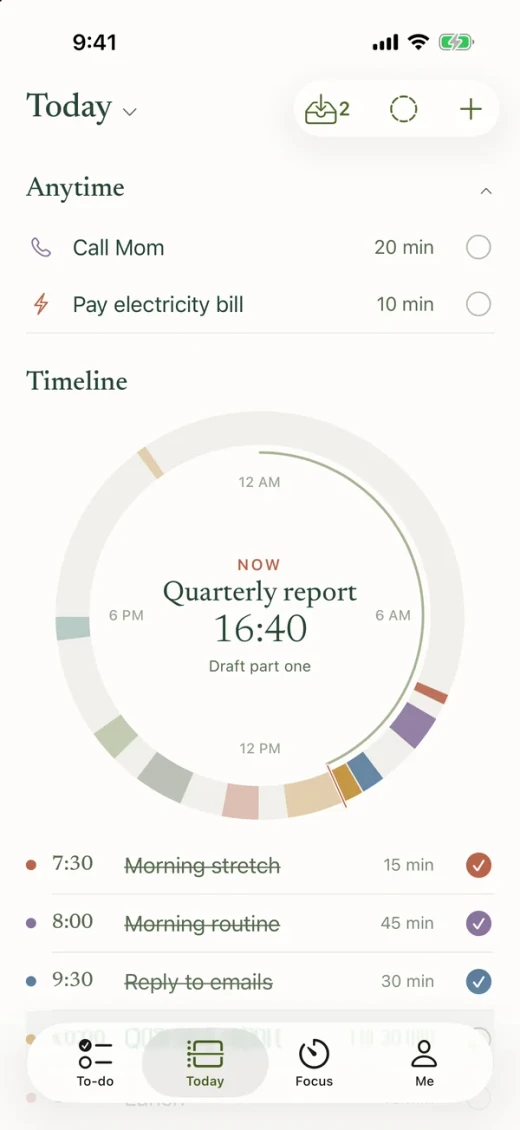
Four timeline styles show what's now, what's next and where the free time is. Drag to change a time.
The ADHD-friendly visual day planner
Daythread puts tasks, routines and calendar events on one timeline, then helps you start the hard thing one small step at a time.
For iPhone. In App Store review.
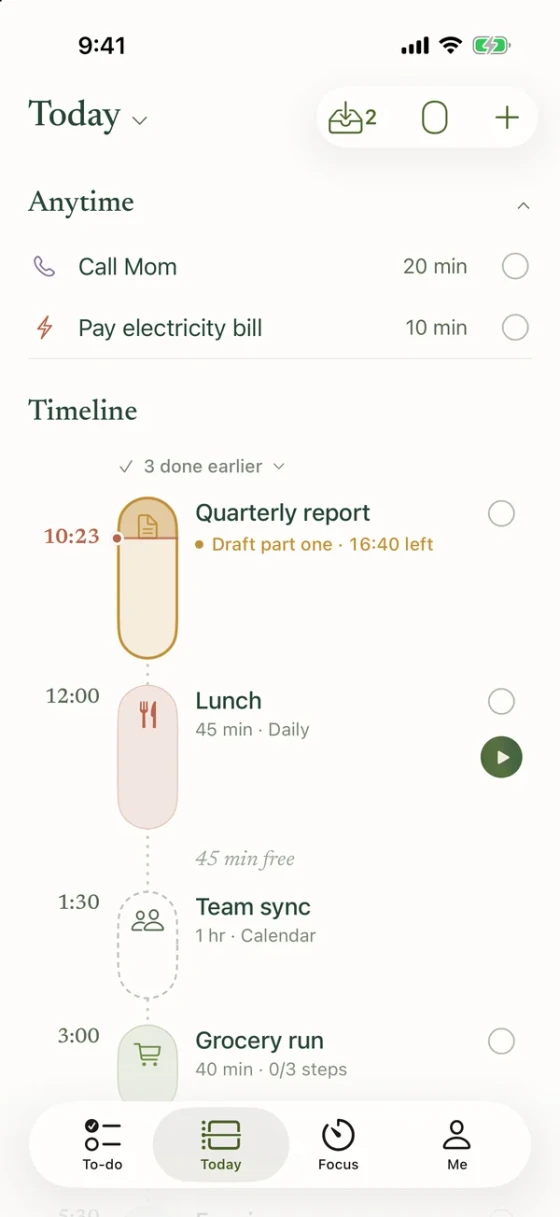
Four timeline styles show what's now, what's next and where the free time is. Drag to change a time.
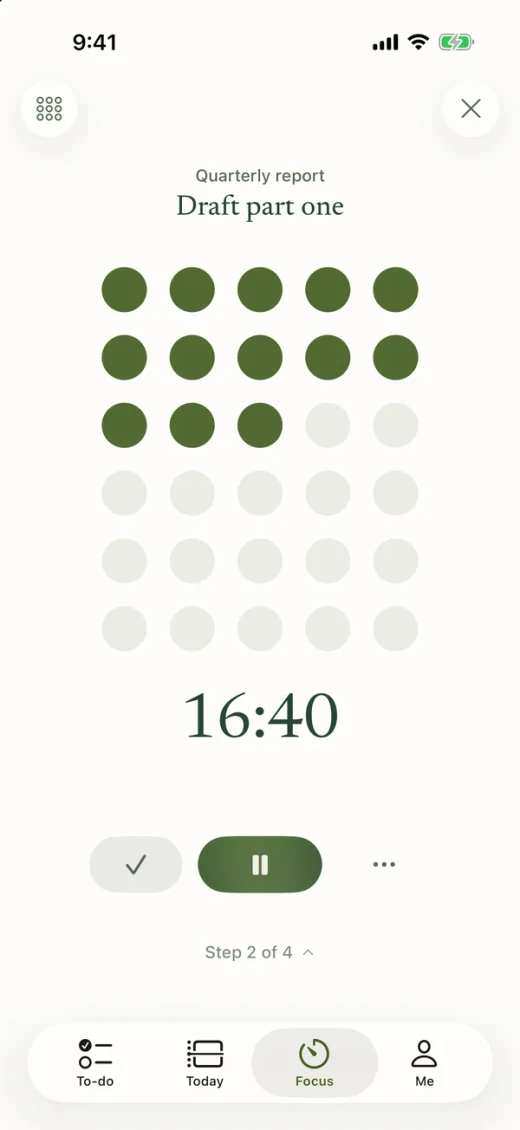
Break a task into steps. The focus timer shows time as a shape filling up, so you only have to think about the next step.
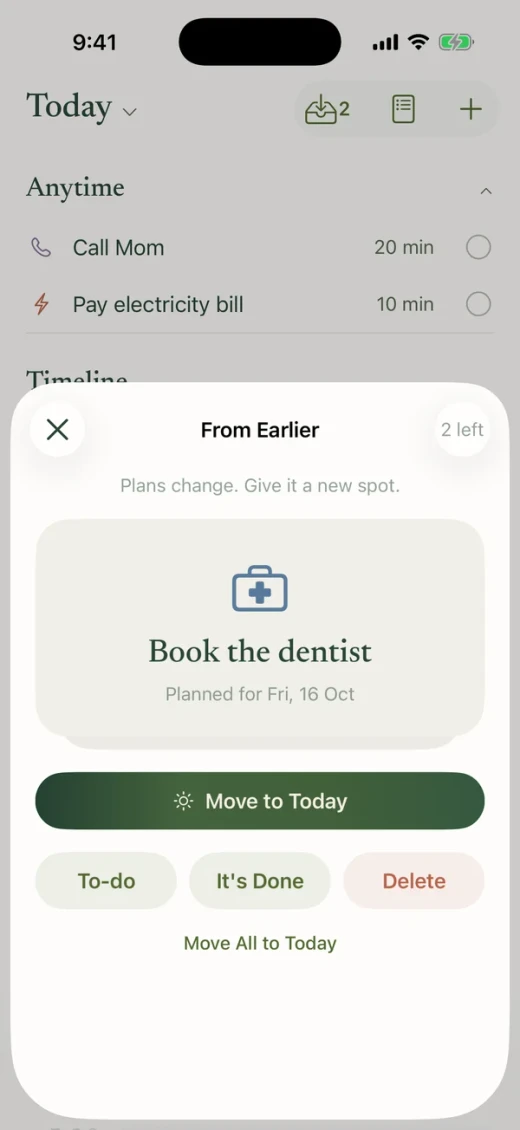
Unfinished tasks wait in From Earlier. Move them to today or back to your list. Nothing is ever marked as failed.
The tour is free. Planning and focus need Daythread Plus: monthly, yearly or a one-time lifetime purchase. Eligible new subscribers can try the yearly plan free for 7 days. Prices are shown in the App Store before you buy.
Timeline tasks have a start time. Anytime tasks belong to the day but not to an hour, so you can do them whenever there's room.
They wait in “From Earlier” at the top of Today. Nothing moves by itself, and nothing is marked as failed.
Each step gets its own small timer in Focus. Starting “Outline, 10 min” is easier than starting “Quarterly report.”
Your plans are stored on this iPhone, with no FixMind account or app cloud sync. Exports and iOS device backups may be stored elsewhere according to your choices. See About → Privacy Policy for details.